
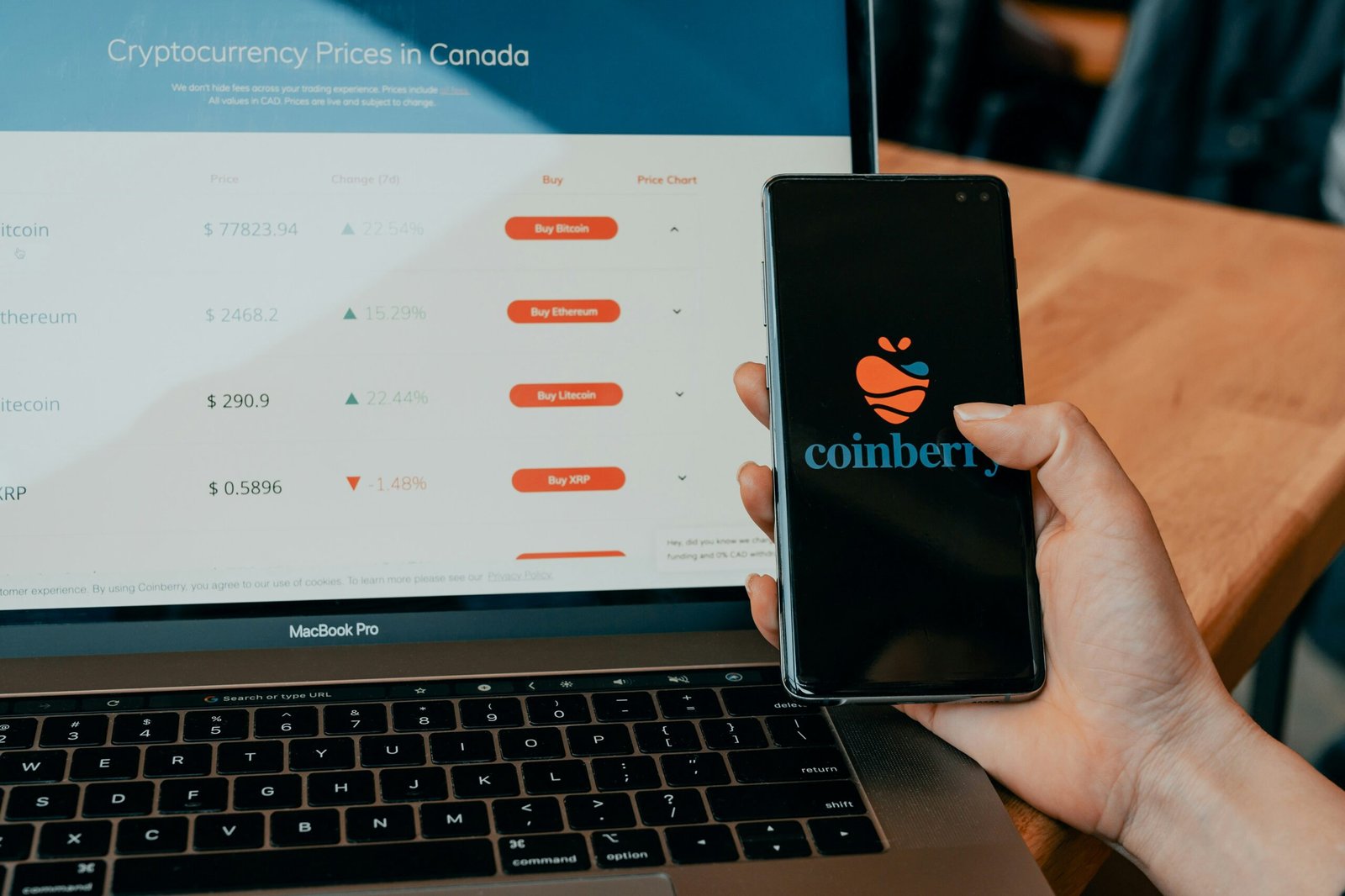
Coinbase Wallet & App: A Complete Guide
Every time I explore the world of crypto, I’m reminded how important it is to have the right tools especially when it comes to storing and managing digital assets safely. That’s where Coinbase Wallet and the Coinbase Wallet app come into play. Let me walk you through what these tools are. What makes them stand out, and why they’ve become a go-to solution for both beginners and experienced users alike.
What is Coinbase Wallet?
At its core, Coinbase Wallet is a self-custody cryptocurrency wallet. Giving users complete control over their own private keys and digital assets. Unlike keeping assets on a centralized exchange account. Using a self-custody wallet like Coinbase Wallet means that only you have access to your funds no third party. Not even Coinbase itself. This setup aligns perfectly with the ethos of decentralization that the cryptocurrency community values so highly.
Features and Functions of Coinbase Wallet
There are a few core features of Coinbase Wallet that make it a favorite in the crypto community:
- Multi-Coin Support: You’re not limited to Bitcoin or Ethereum. Coinbase Wallet allows me to securely store a wide variety of cryptocurrencies and tokens, making it a versatile choice.
- Private Key Management: One of the main attractions for security-conscious users. I control my private keys, meaning I’m the one and only gatekeeper for my assets.
- Decentralized Application (dApp) Browser: The built-in dApp browser lets me interact directly with decentralized finance (DeFi) platforms, NFT marketplaces, and blockchain-based games—straight from the wallet.
- User-Friendly Interface: The app is designed with clarity in mind. Even if you’re just starting your crypto journey, the intuitive design helps make everything from swapping tokens to browsing dApps an easy process.
The Coinbase Wallet App Experience
Coinbase Wallet is available as a standalone mobile app on both iOS and Android, as well as a browser extension for desktops. I find this versatility helpful since I can easily manage my assets on the go or from my computer. The app provides several wallet creation and backup options, including cloud backup and manual seed phrase storage, catering to different comfort levels and security preferences.
Some handy features of the Coinbase Wallet app include:
- Direct Transfers: I can send and receive crypto or NFTs directly, with convenient QR code support and address book functionality.
- Connect to Coinbase Account: Although it’s self-custodied, the wallet app can be linked to my main Coinbase exchange account, making asset transfers seamless.
- Secure Recovery Methods: I’m able to recover access to my wallet via seed phrase or cloud backups, depending on what I choose in the setup process.
Security and Peace of Mind
One of my main concerns in the crypto space has always been security. With Coinbase Wallet, I have the reassurance that my assets are stored locally and protected by industry-standard encryption. The app provides biometric authentication and PIN code options, adding an extra layer of security against unauthorized access.
Why Choose Coinbase Wallet?
If you’re seeking greater autonomy over your cryptocurrency holdings while enjoying the simplicity and ecosystem connections Coinbase provides, Coinbase Wallet is an ideal choice. Whether you want to join the NFT wave, experiment with DeFi, or simply keep your crypto safe, this wallet combines user-friendliness with robust security.

Related Posts

How AI Search Is Changing Digital Visibility

Expert Security Sweep Services: Protecting People and Property

4 thoughts on “Coinbase Wallet & App: A Complete Guide”