Design Software Architecture and User Workflows
Designing robust software systems requires a careful balance between architecture and user workflows. A well-crafted architecture provides the backbone for scalability, reliability, and maintainability, while intuitive workflows ensure that users can accomplish their goals efficiently. This article outlines practical approaches to align software architecture with user-centric processes, delivering a cohesive and adaptable product.
Understanding Architecture and Workflows
- Software architecture refers to the high-level structure of a system, including components, their interactions, data flows, and non-functional concerns such as performance, security, and scalability.
- User workflows are the sequences of tasks users perform to achieve a goal. They depict the actual user experience, including decisions, inputs, and feedback loops.
- The core idea is to design systems that support real user tasks with minimal friction, while maintaining clear boundaries between components to enable evolution over time.
Principles for Aligning Architecture with Workflows
- User-First Design: Start with user stories and use cases. Translate them into architectural decisions that reduce steps, latency, and cognitive load.
- Modularity and Separation of Concerns: Divide the system into well-defined services or modules (e.g., authentication, data processing, presentation). This enables independent evolution as workflows change.
- Consistency and Predictability: Provide consistent APIs, responses, and UX patterns across features to reduce user confusion and onboarding time.
- Extensibility: Anticipate future workflows and design pluggable components, feature flags, and extension points.
- Observability: Instrument the system to monitor performance and usage of critical workflows, enabling data-driven improvements.
Architectural Patterns That Support Workflows
- Layered Architecture: Separate presentation, domain, and data access layers to isolate concerns and simplify workflow changes.
- Microservices or Modular Monoliths: Choose an approach that balances deployment agility with operational complexity. Microservices shine for independently evolving workflows; a modular monolith can be simpler to manage initially.
- Event-Driven Design: Use events to decouple actions within workflows, improving responsiveness and enabling asynchronous processing for long-running tasks.
- API-Driven Development: Design stable, versioned APIs that empower front-end teams to iterate on workflows without breaking integrations.
- Data and State Management: Model data around user tasks and permanence requirements. Implement robust caching, optimistic UI updates, and proper synchronization strategies.
Designing User Workflows: A Practical Approach
- Map the End-to-End Journey: Diagram typical user sessions from start to finish. Identify bottlenecks, decision points, and feedback moments.
- Define Personas and Scenarios: Create representative user types and realistic tasks to guide design decisions.
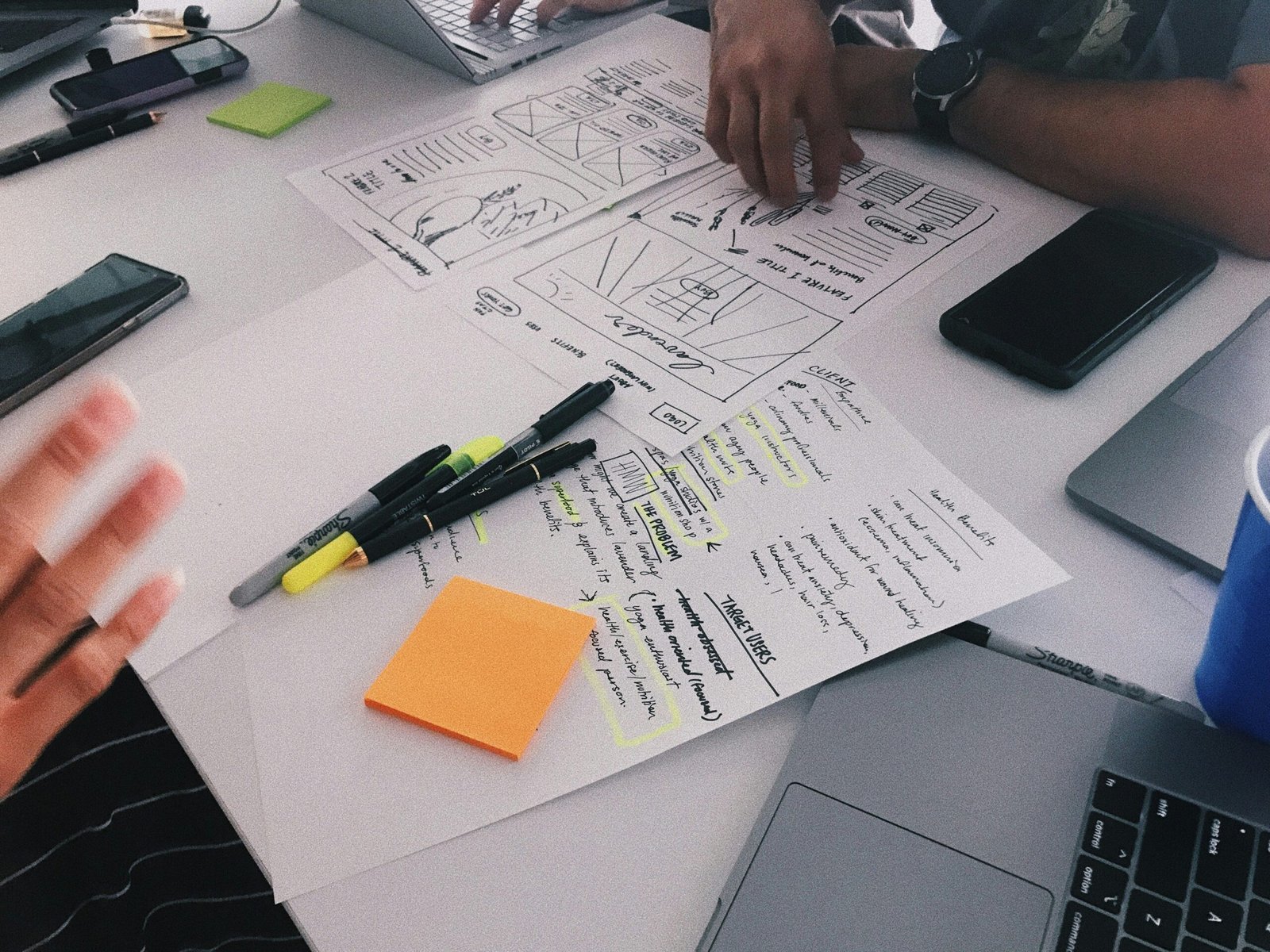
- Wireframes and Prototypes: Use low-fidelity to validate flow efficiency, then iterate with high-fidelity interactions tied to realistic data.
- Decision Points and Fallbacks: Clearly present choices, defaults, and recovery paths. Reduce dead ends and provide helpful guidance.
- Error Handling as a UX Element: Treat errors as part of the workflow experience. Show actionable messages and graceful recovery options.
- Accessibility and Inclusivity: Ensure workflows are usable by people with diverse abilities and contexts.
Collaboration Between Architects and UX Teams
- Joint Discovery Workshops: Bring architects, product managers, and UX designers together to align on goals and constraints.
- Shared Documentation: Maintain living artifacts (diagrams, flowcharts, decision logs) that capture both architecture and user outcomes.
- Iterative Validation: Regularly test workflows with real users and refine architectural decisions based on feedback and metrics.
Non-Functional Considerations
- Performance and Scalability: Design for peak workflow loads and response times that meet user expectations.
- Security and Compliance: Build secure authentication, authorization, and data handling into core workflows.
- Reliability and Maintainability: Favor clear test strategies, automated deployments, and meaningful telemetry to sustain long-term health.
- Governance and Standards: Establish coding standards, API versioning, and architectural review processes to maintain consistency as teams grow.
Conclusion
Bridging software architecture with user workflows creates systems that are not only technically solid but also genuinely usable. By centering design decisions on real user tasks and maintaining modular, observable architectures, teams can deliver products that scale gracefully while delivering a smooth, intuitive experience. If you’d like, I can tailor this article to a specific domain (web, mobile, enterprise) or provide a concrete example architecture and workflow map for your project.

Related Posts

How to Choose the Best App Firewall Software in 2026

Low-Code Platforms: The Future of Faster App Development