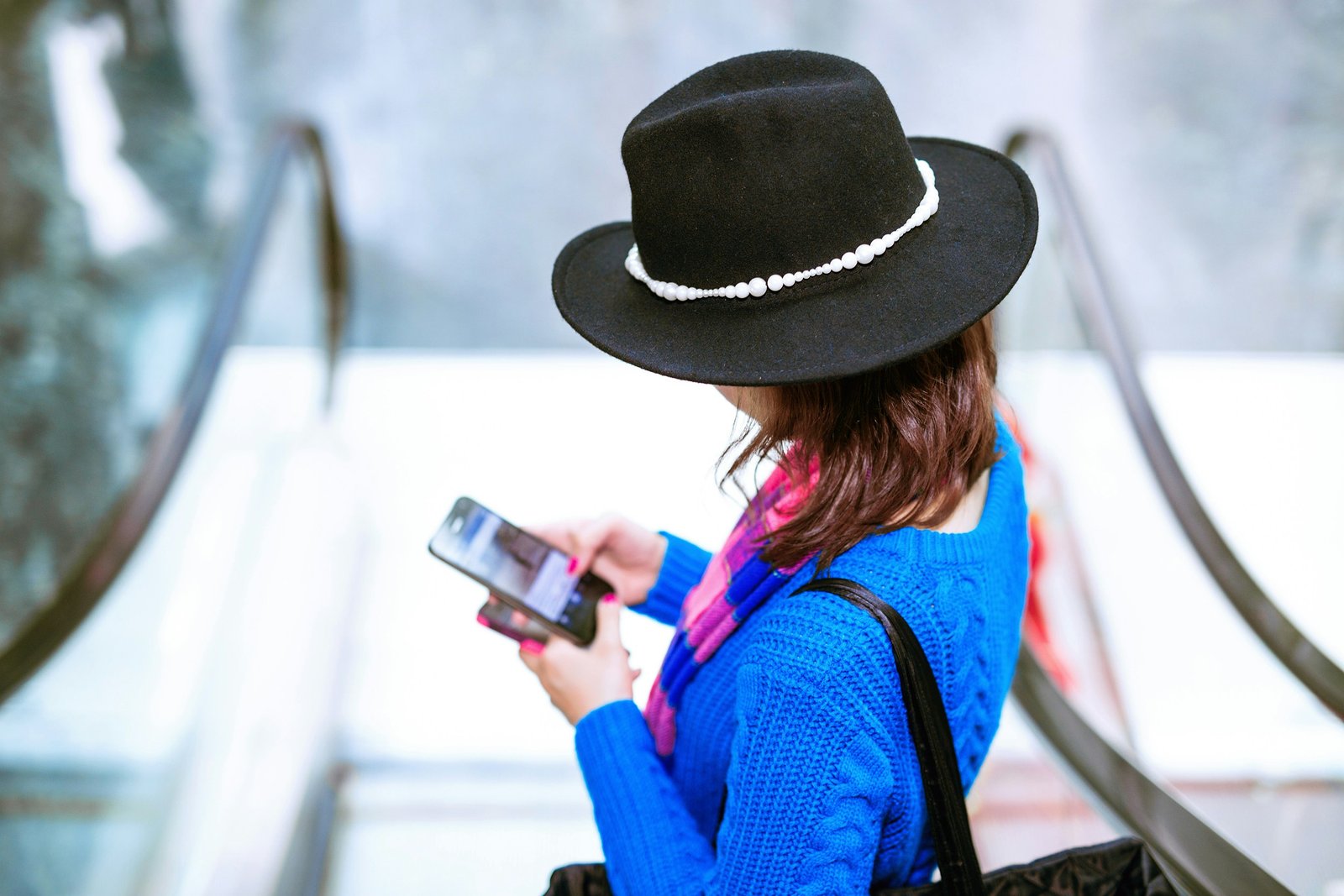
How can you protect a mobile device while traveling
Traveling expands your horizon and your exposure to risks. A mobile device often holds sensitive personal data, payment methods, and access to work systems. With thoughtful preparation and smart habits, you can minimize threats without sacrificing convenience. This article outlines practical, travel-focused steps to safeguard your mobile device on any trip.
Prepare Before You Leave: Harden Your Setup
- Update and back up: Install the latest OS and security patches; back up data to a secure location.
- Remove unnecessary data: Delete photos, documents, or apps that aren’t needed for travel to reduce risk if the device is lost or stolen.
- Enable essential protections: Turn on screen lock with a strong PIN or biometrics; enable Find My Device/Find My iPhone.
- Review app permissions: Temporarily revoke nonessential permissions (location, microphone, contacts) for the duration of travel.
Lock Down Access: Strong Authentication
- Use a robust, unique passcode or biometric lock for your device.
- Enable auto-lock after a short period of inactivity.
- Consider a separate travel profile: If available, use a guest or work-separated profile to limit data exposure.
Encrypt Data and Use Secure Backups
- Ensure device encryption is active (usually on by default in modern devices).
- Use encrypted backups to a trusted cloud service or an encrypted local drive.
- Store sensitive information (e.g., passport copies) in a secure password manager rather than notes or messages.
Secure Connectivity While on the Move
- Avoid public or untrusted Wi-Fi for sensitive transactions; use a reputable VPN when connected to unknown networks.
- Prefer cellular networks or trusted hotel networks; disable automatic joining of open networks.
- Turn off Bluetooth and NFC when not in use to prevent unauthorized access.
Safe Browsing and Payment Practices
- Use a security-conscious browser and enable built-in protections against phishing and malware.
- Avoid saving payment details on devices; use a reputable mobile wallet or payment app with multi-factor authentication.
- Be cautious with QR codes and forged networks—verify sources before scanning or connecting.
Manage Apps on the Road
- Install apps from official stores only; keep them updated.
- Disable background data for apps you don’t need actively using data on roaming.
- Sign out of sensitive apps when not in use, especially on shared or public devices.
Physical Security During Travel
- Use a privacy screen to reduce shoulder-surfing in public spaces.
- Keep devices in secure compartments; never leave them unattended in public.
- Use a sturdy case and screen protector to guard against drops and tampering.
Travel Etiquette for Security
- Avoid logging into sensitive accounts on shared or public devices; use your own device whenever possible.
- Be mindful of screen visibility in public: cover the screen when entering passwords.
- Pack smart: carry your charger and cables in a separate, protected bag to reduce the chance of tampering.
In Case of Loss or Theft
- Act quickly: Use Find My Device/Find My iPhone to locate, lock, or erase if necessary.
- Notify your accommodation and travel insurer; change passwords for critical accounts if you suspect compromise.
- Keep a list of emergency contacts and account recovery options offline as a backup.
Post-Travel Review
- Re-evaluate your security settings after returning home.
- Revoke temporary permissions granted during travel and reinstall any apps you temporarily removed.
- Restore data from secure backups if needed, and monitor accounts for unusual activity.
Conclusion
A secure traveler’s mindset combines smart preparation, disciplined habits, and quick response when issues arise. By fortifying access, controlling connectivity, and safeguarding data both offline and online, you can enjoy your travels with reduced risk to your mobile devices. If you’d like, I can tailor these tips to a specific device type (iOS or Android) or provide a compact packing checklist.